docker volume create webui-data5 User Interface (WebUI)
5.1 Create a Large Language Model Cluster
5.1.1 Create the Web UI Container
- Create a volume called
webui-data
- Create the docker container with the
Webuiweb graphical user interface by running the following command.
docker run -d -p 3000:8080 --add-host=host.docker.internal:host-gateway -v webui-data:/app/backend/data --network workshop_network --name webui --hostname webui --restart always ghcr.io/open-webui/open-webui:main5.1.2 Initial Setup
- You can now access your web interface in http://localhost:3000.
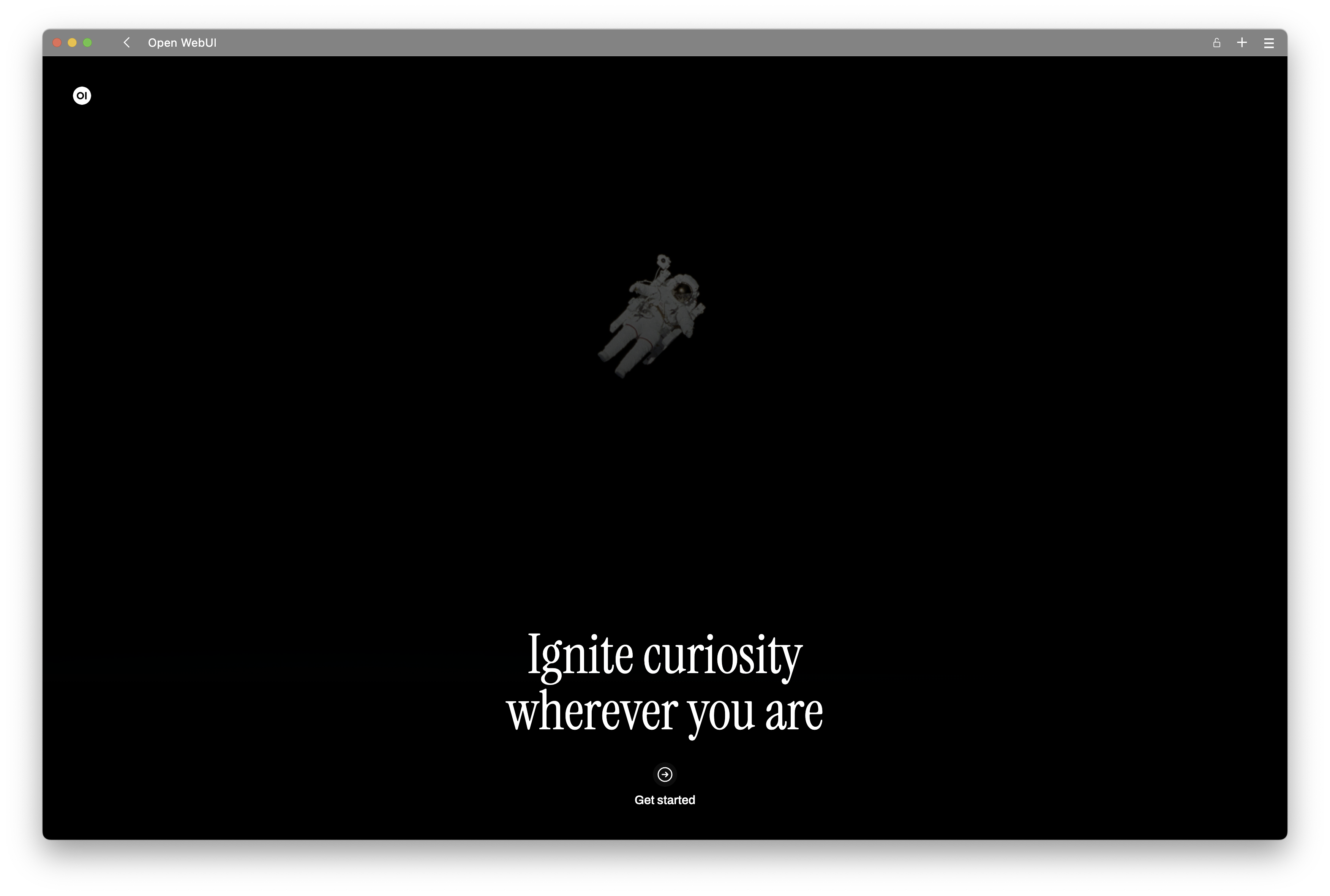
- Press
Get Started.
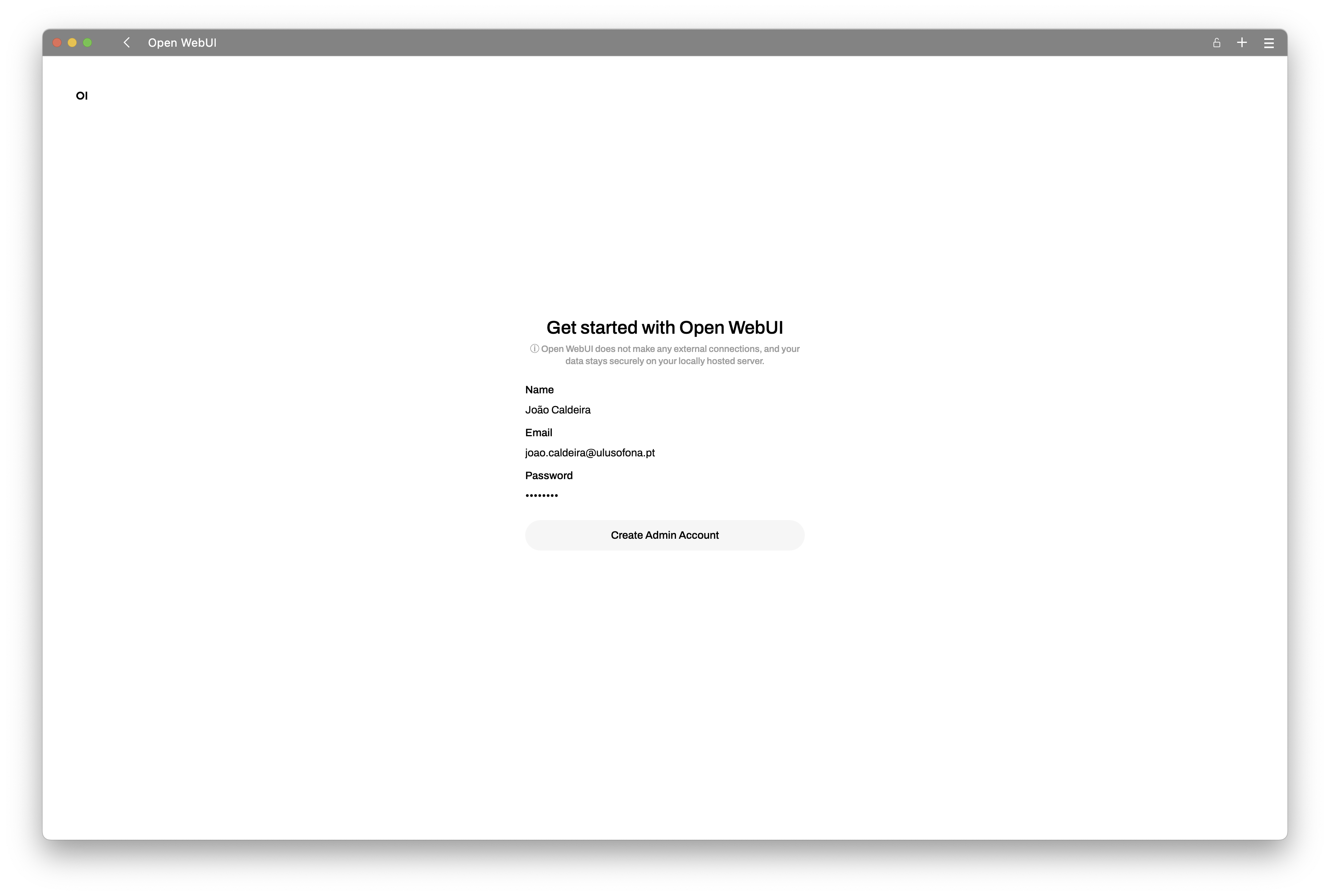
- Create the
Adminuser.
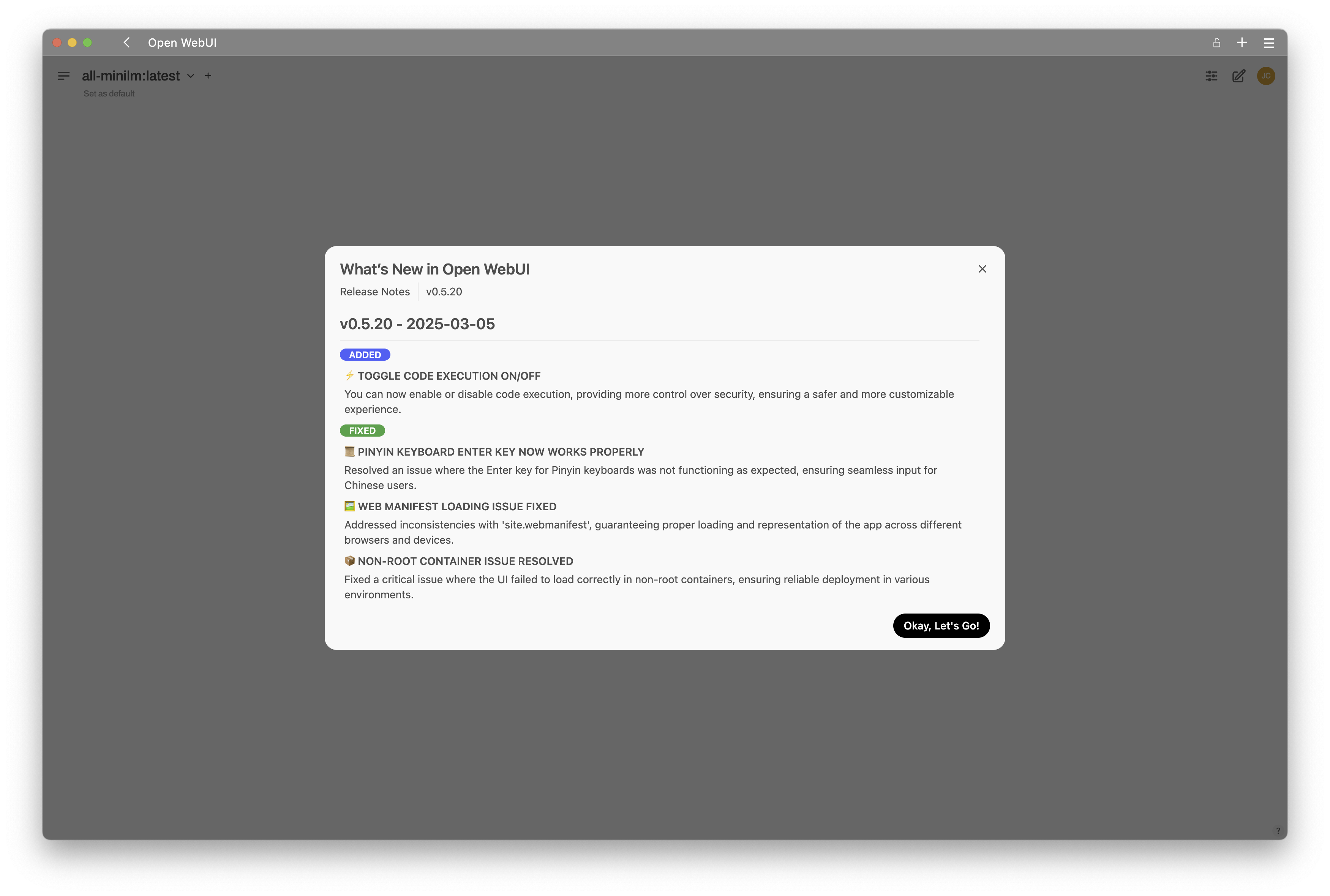
- Accept the
Release Notes.
- View the existing models already downloaded in the
LLM engine. In this exercise, you should havellama3.2already.
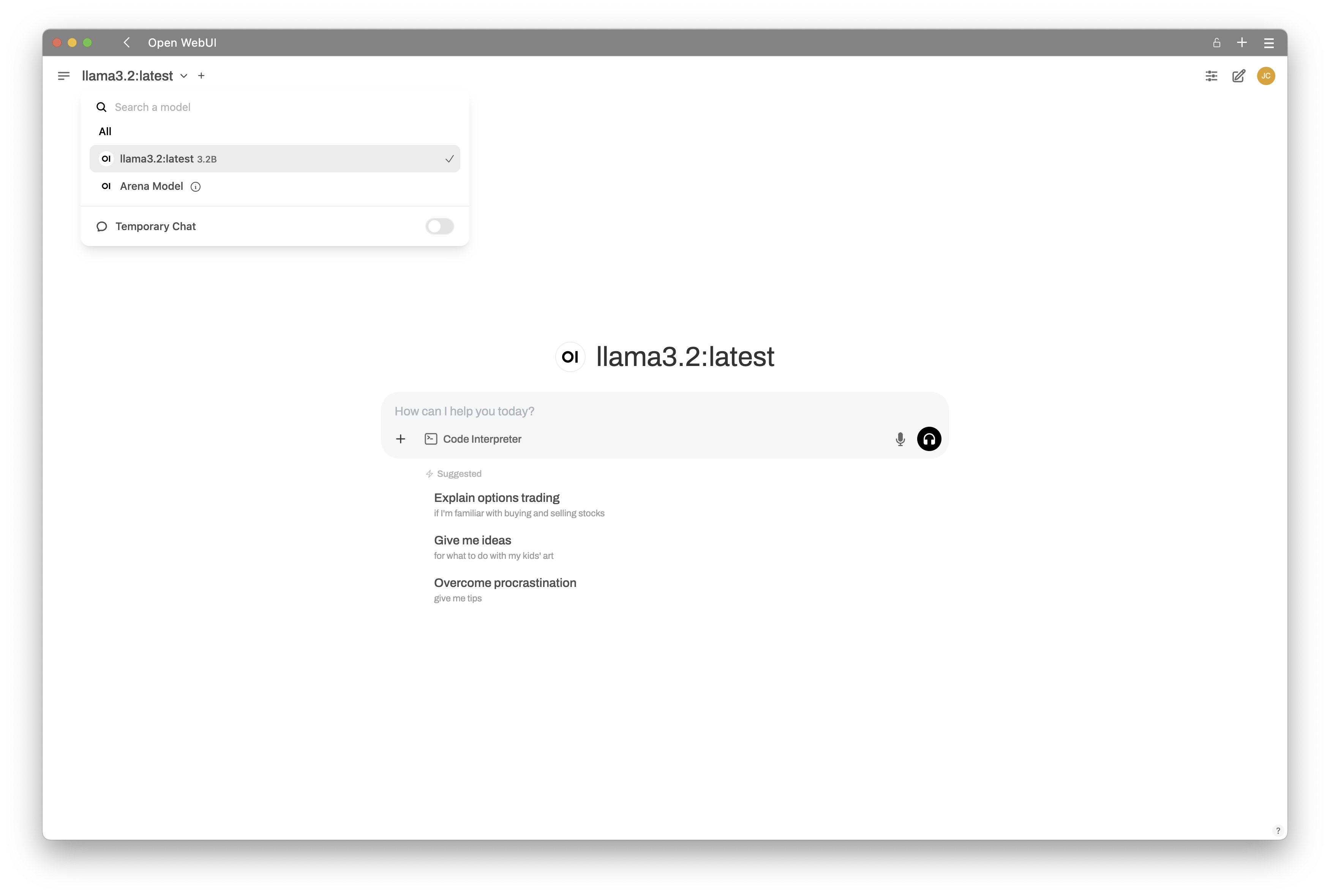
5.1.3 Ask Questions
- Pick your model and you are able to ask your first questions.
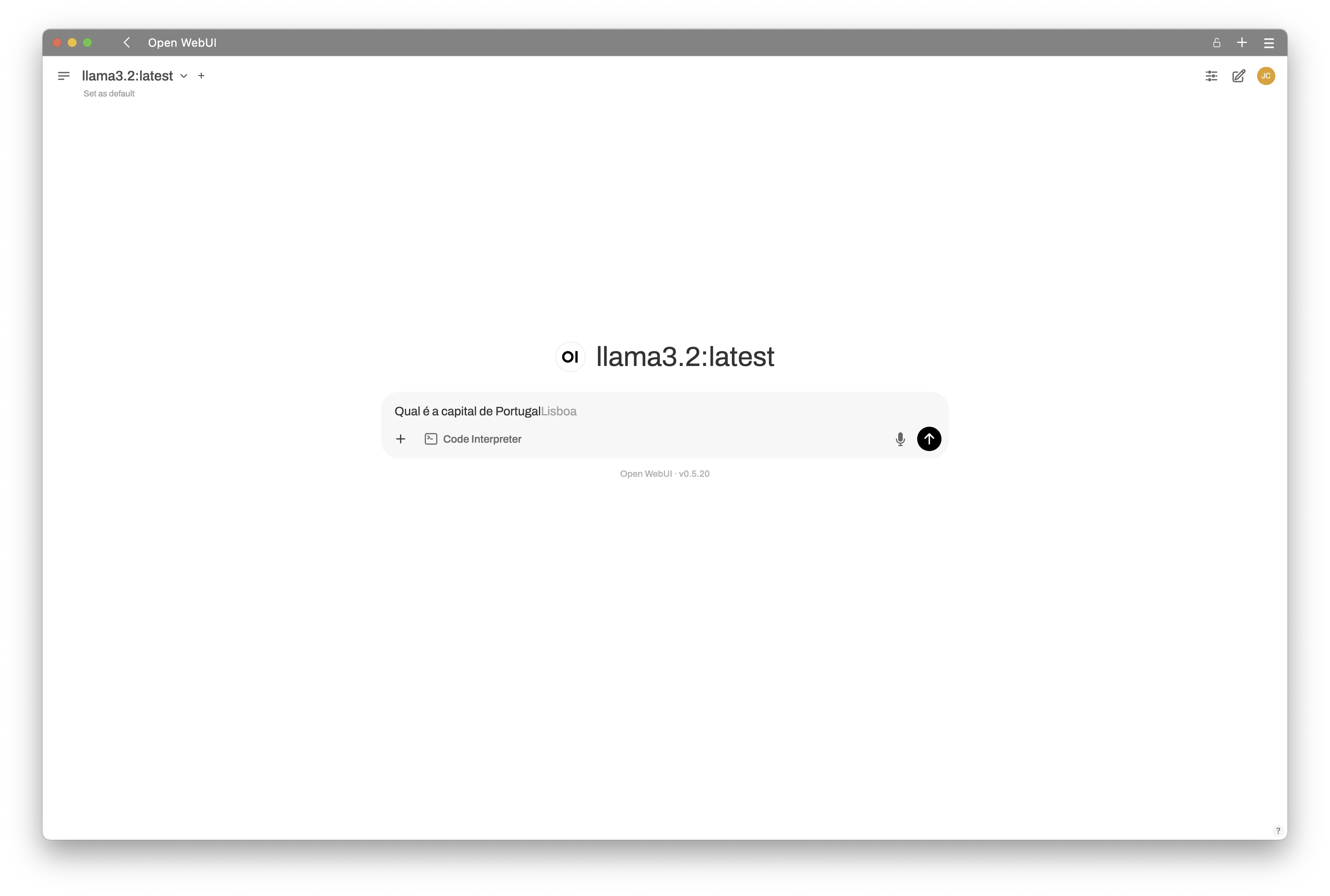
- View the answers.
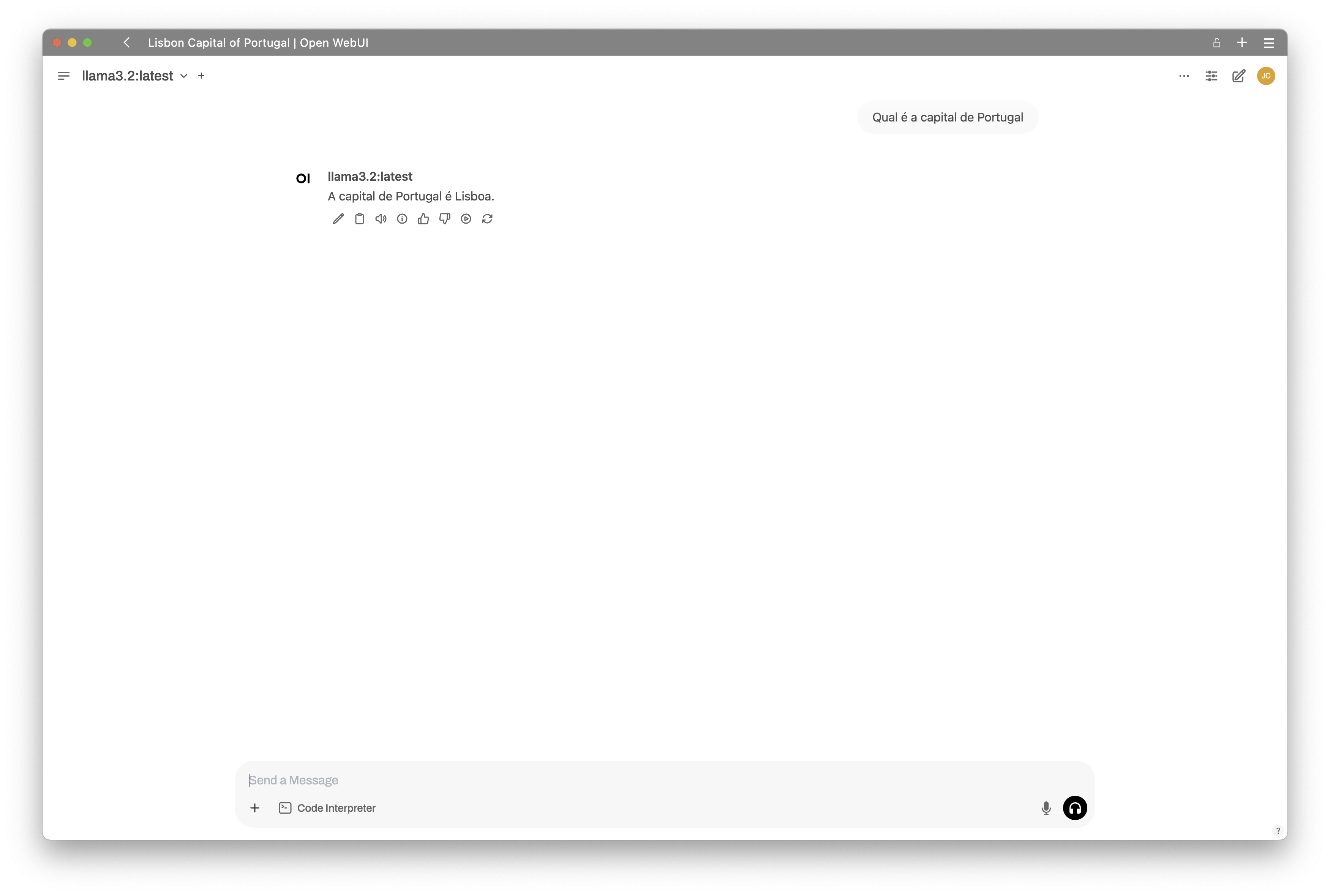
5.1.3.1 Connect WebUI with ChatGPT
You can also connect to ChatGPT API and use it’s models.
Navigate to the
Admin Panel > Settings > Connectionssection.Add your
ChatGPT Key, similar to this one, in the last field of the form.
Important
This ChatGpt Key is no longer valid. It’s used here only as an example.
sk-proj-XlXRiWlfetudLBrRrP6B4C_RRjDpJu03LJ9smXeDz3p-gE7PLg-a1Td6qFCWoydnIL2pxhJL6dT3BlbkFJ5B2u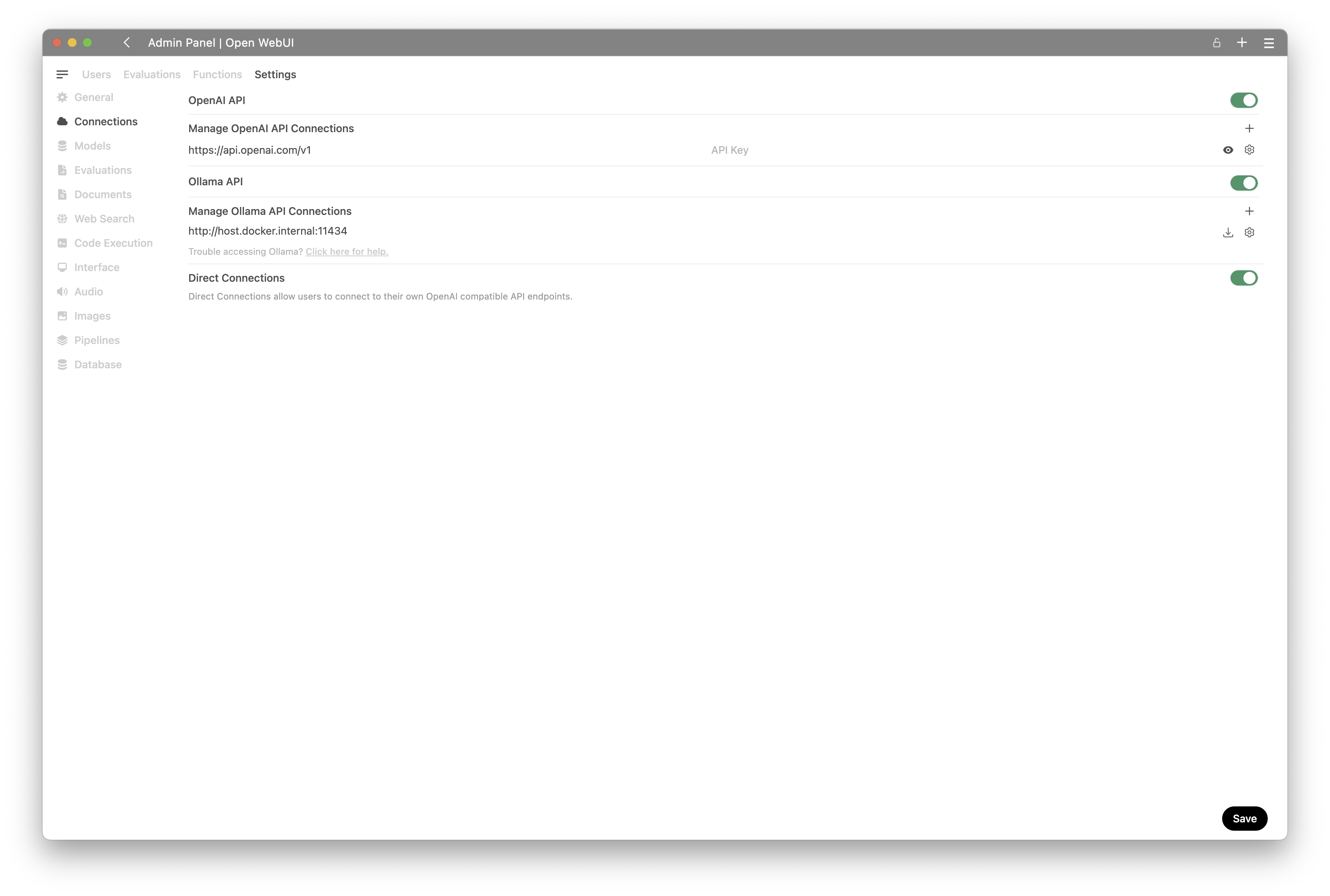
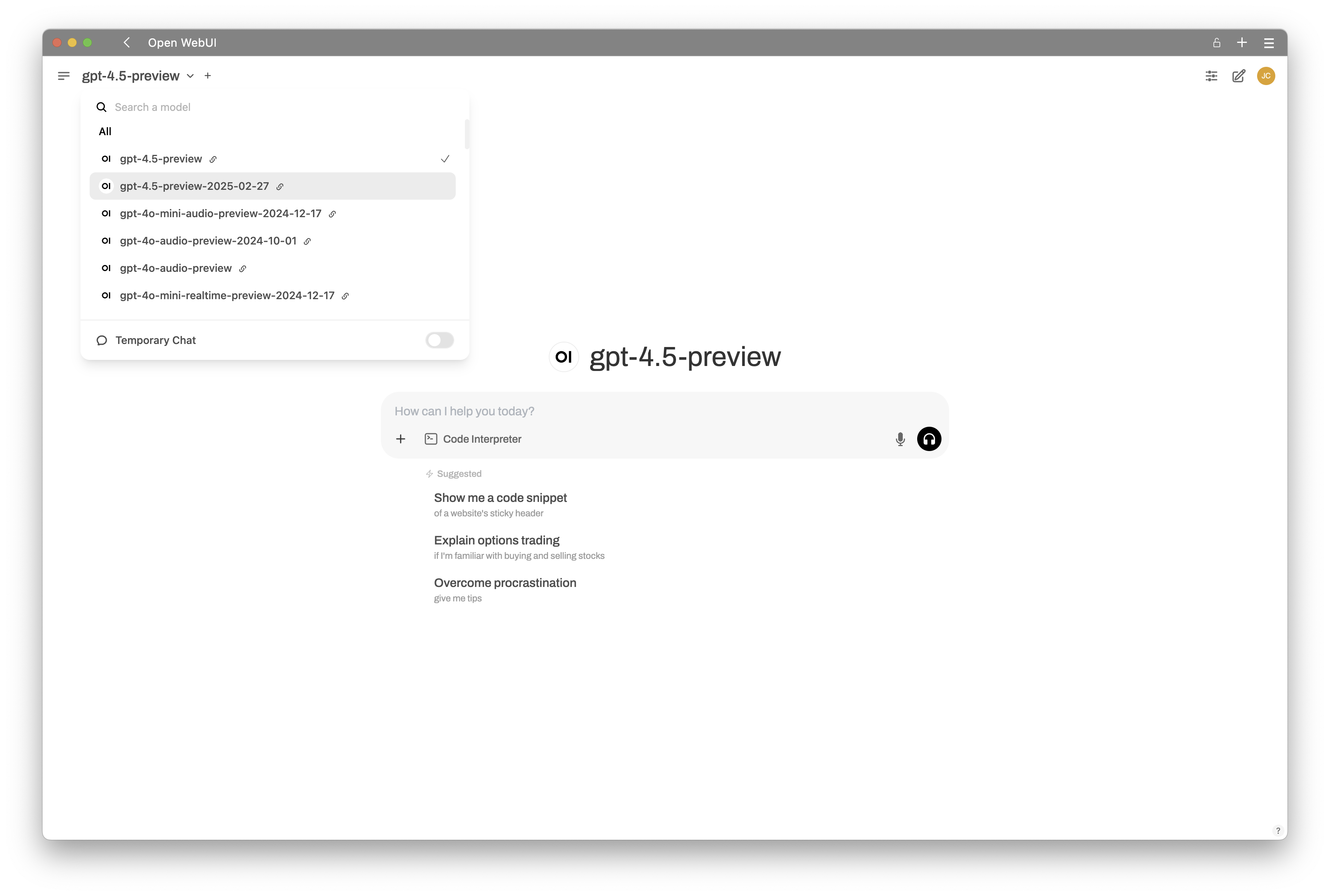
- Return to Workspace and you can now view that ChatGPT models are also listed.